Best Jobber Alternatives With Built-In Invoicing and CRM
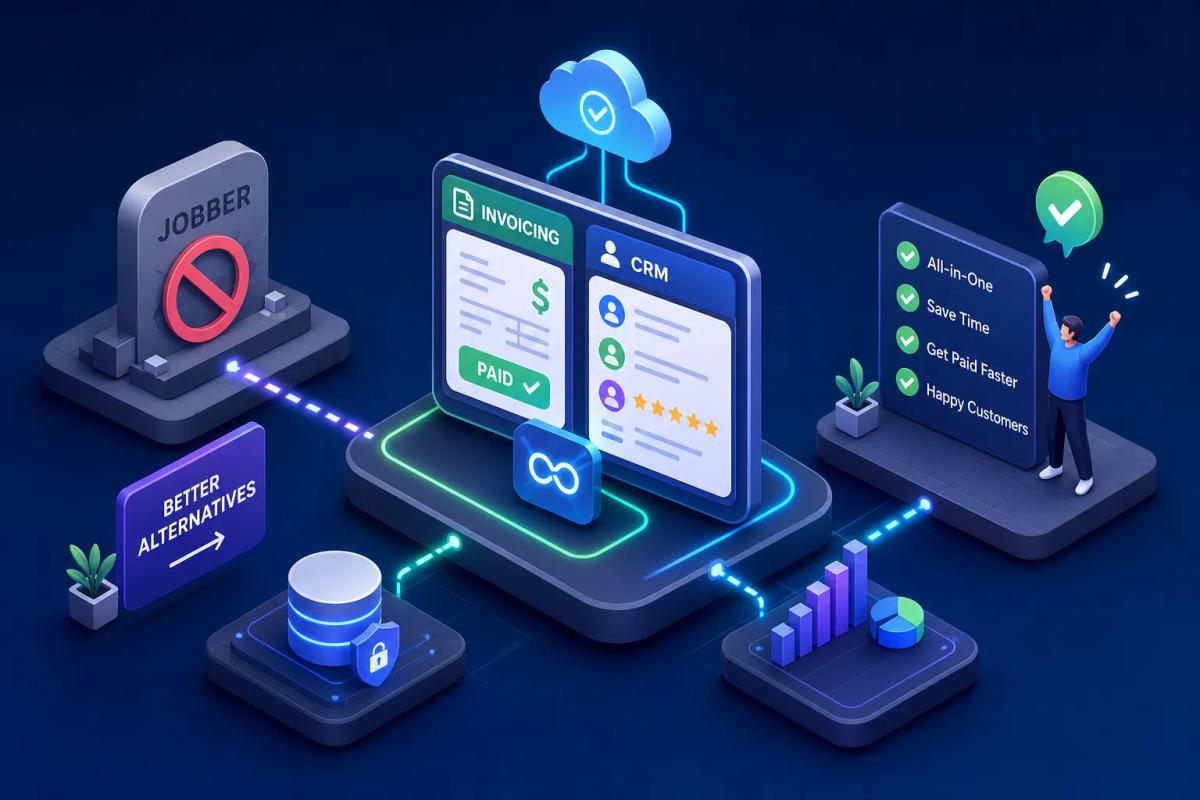
If you're wondering what you can use instead of Jobber that also handles invoicing and CRM, you're not alone, and you're asking the right question. Jobber isn't a bad product. For a solo operator or a small crew doing repeat service work, it covers the basics well. But when contractors start managing real lead volume, multiple crews, or a sales pipeline that needs more than a client list, Jobber starts showing its edges. The scheduling is clean. The mobile app works. And then you realize you need a separate CRM to track your pipeline, a separate invoicing tool to handle anything beyond a basic PDF, and a connector just to get your financials into QuickBooks. That's three subscriptions to do what one platform should handle.
The specific frustrations contractors bring up most often: no pipeline stages for lead management, limited invoice customization, no native accounting sync, no lead scoring, no automated follow-up sequences. None of these are exotic features. They're the operational basics for any service business running at volume. A real category of alternatives now exists, including newer AI-powered field service management software like URBLD, built to cover the full revenue cycle, not just a slice of it.
This article gives you a straight comparison of the Jobber alternatives that genuinely include invoicing and CRM in one system, an honest look at where each one still falls short, and a practical checklist you can use to evaluate any platform before you commit.
Why contractors start looking beyond Jobber
What Jobber genuinely does well
Jobber earned its reputation for a reason. The quote-to-job workflow is smooth, client history is easy to pull up in the field, and the mobile app is one of the more reliable ones in the category. For a business doing primarily repeat service work with a stable client base, it covers the core loop well. If you're a small plumbing or HVAC shop with a tight crew and predictable volume, Jobber is a reasonable fit.
Where the cracks show up at scale
The limitations become visible fast when you're managing higher lead volume or running multiple crews. There are no true pipeline stages, no lead scoring, and no automated follow-up sequences built into the platform. The QuickBooks integration exists, but contractors on G2 and Capterra consistently flag sync issues and field gaps, check Jobber's current integration documentation and recent reviews to verify the specifics for your accounting setup. Invoice customization is limited, and there's no AI layer to trigger actions automatically when a job closes or a lead goes cold. Businesses doing roofing, solar installs, or any work with a real sales cycle hit these walls quickly. The platform was built for service delivery, not revenue pipeline management.
The hidden cost of stitching tools together
The typical workaround is to add HubSpot or a similar CRM on top of Jobber, then connect everything with Zapier or a manual sync. That means double data entry, sync delays, and missed handoffs when a lead converts to a job but the CRM doesn't update. The time cost of managing fragmented software is real, and it compounds as your team grows. Switching platforms feels like a big decision, but staying with a partial solution has its own ongoing cost.
What can I use instead of Jobber that also handles invoicing and CRM?
That question comes down to features that actually live together in one system, not bolted-on integrations. Here's what a real replacement needs to cover before any alternative earns serious consideration.
Non-negotiable CRM requirements
A real CRM for contractors isn't just a place to store customer names. It needs pipeline stages so you can see where every lead sits, lead scoring to prioritize follow-up, activity tracking, and automated sequences that send texts or emails without someone having to kick each one off manually. Critically, all of that needs to live in the same system as your scheduling and invoicing. A CRM that syncs to your FSM platform through a connector is still two systems, and you'll feel the gaps every time something fails to transfer cleanly.
What built-in invoicing actually means
There's a difference between a platform that lets you attach a PDF invoice and one with real invoicing. Real invoicing means automatic generation when a job closes, configurable billing rules, payment tracking, recurring billing support, and native accounting sync with QuickBooks or Xero. If the accounting sync requires a third-party connector or a separate subscription, that's not native. It's another integration point that can break, drift out of sync, or require manual reconciliation when it does. Platforms like Housecall Pro and Service Fusion advertise native QuickBooks sync, confirm whether that applies at your plan level before you sign.
Scheduling, dispatch, and the connective tissue
CRM and invoicing are only valuable if they're connected to your scheduling and job management. The real test of any all-in-one service software is whether it can run a single execution chain: lead comes in, gets scored and followed up, converts to a booked appointment, becomes a job, the crew executes in the field, an invoice generates on completion, payment gets collected, and financials update in your accounting system. Any manual handoff anywhere in that chain is a place where things drop or slow down. That's the standard a real Jobber replacement should meet.
Where most popular alternatives create new problems
The CRM problem in invoicing-first platforms
Platforms like Housecall Pro and Workiz are strong on scheduling and invoicing. The field experience is solid, and technicians can work from their phones without friction. Housecall Pro does include a visual sales pipeline and trigger-based email and SMS automations tied to pipeline stages, which puts it ahead of basic customer databases. That said, lead scoring and more complex multi-stage nurture sequences are limited compared to what a dedicated CRM for contractors delivers. For a business built on repeat service calls, that gap may not matter. For roofing contractors or solar companies where lead nurturing drives revenue, it's worth probing in your demo.
The invoicing problem in CRM-first platforms
Service Fusion and Kickserv sit on the other end of the spectrum: stronger CRM pipelines, more configuration options for lead management, and cleaner workflows for sales-heavy operations. The trade-off is that invoicing automation and workflow depth vary by plan and initial setup effort, verify with each vendor whether invoicing runs automatically under your use case or requires staff involvement to move jobs through billing. These platforms are solid choices for businesses with an operations manager who can own the configuration, but they're not plug-and-play for a team that needs things to run automatically from day one.
The integration trap
Many alternatives still rely on third-party integrations for at least one core function, whether that's accounting sync, payment processing, or document signing. That means you haven't actually solved the underlying fragmentation problem, you've just moved it. A different anchor tool, the same fundamental issue: data living in multiple places, syncing imperfectly, and requiring someone to manage it.
Alternatives worth a serious look
Housecall Pro: strong invoicing, limited pipeline depth
Housecall Pro runs roughly $59 to $329 per month depending on plan and billing frequency (verify current pricing at housecallpro.com, as rates change). The entry tier covers scheduling, estimates, invoicing, and online booking. The middle tier adds QuickBooks Online sync, GPS tracking, and marketing automation. The top tier opens up advanced reporting and API access. For a service business doing primarily repeat work, it covers a lot of ground. The invoicing and scheduling features are genuinely solid, and the mobile experience for field techs is reliable. Where it falls short is on CRM depth: while a pipeline view and trigger-based automations are included, lead scoring and sophisticated multi-stage follow-up sequences are limited compared to what a sales-heavy contractor actually needs.
FieldPulse and Workiz: solid all-rounders with caveats
FieldPulse has a built-in CRM pipeline and includes estimating as part of the core product. Pricing isn't published publicly; third-party estimates put it in the $99 to $399 per month range depending on team size and features (confirm directly with FieldPulse before budgeting). It's a reasonable choice for a growing contractor who needs more CRM structure than Jobber provides. Workiz includes CRM functionality and automatic follow-ups alongside invoicing and scheduling, making it another credible mid-range option. Neither platform offers a meaningful AI automation layer, and accounting sync depth is worth verifying before you commit, connector-based sync varies in reliability and can require manual reconciliation when it drifts.
Service Fusion and Kickserv: better CRM, more setup required
Service Fusion and Kickserv are worth considering if you need stronger CRM pipeline management and your business has someone to own the initial configuration. Both include native QuickBooks sync, which is a meaningful advantage over platforms that rely on connectors. The limitation is that neither runs on autopilot: workflow automation and invoicing capabilities vary by plan, and the setup overhead is real. Businesses with an ops manager or admin team will get more out of these platforms than owner-operators who need things to run automatically from day one.
Comparing Jobber alternatives that include invoicing and CRM: why AI-powered FSM changes the equation
One execution chain, no integrations
URBLD is built on a different premise than the alternatives above. According to URBLD, the entire revenue cycle runs inside a single system, CRM, scheduling, estimating, contracts, workforce management, invoicing, and accounting sync are all native modules, not connected apps. The platform claims there's no re-entry between stages and no sync job that can drift out of alignment. When a lead converts to a job, the customer record, the estimate, and the scheduled crew all move with it, no manual handoff required. Verify these capabilities directly with URBLD during a demo to confirm they match your specific workflow.
The AI layer that alternatives don't have
What positions URBLD as a different category of field service management software is the AI execution layer. Per URBLD's product claims: lead qualification runs automatically based on incoming data, crews get routed based on location and availability, invoices generate on job completion under rules the owner configures once, and purchase orders get drafted when inventory hits a threshold. None of that requires a staff member to kick it off. For a business running high volume with a lean office team, that's the difference between scaling and staying stuck, though you should validate these specific automations in a live demo before committing.
Who URBLD is built for specifically
URBLD is designed for roofing contractors, HVAC operators, solar and home improvement installation businesses, and any field service company that has outgrown a stack of Jobber, HubSpot, QuickBooks, and DocuSign. It handles multi-crew scheduling and dispatch, multi-location operations with tenant isolation, and role-based access control so every team member sees exactly what they need to see. If your business is running five or more crews and managing meaningful lead volume, URBLD is built for the operational complexity you're dealing with.
What switching from Jobber actually looks like
What Jobber lets you export
Jobber exports data in CSV format, organized by category: client records, job history, invoices, quotes, expenses, payments, and products and services. The client export includes name, company, contact details, billing address, tags, and notes. The vCard format is available for client lists if you need it for a contact system. Most of what you need to move is exportable, but not everything transfers cleanly, attachments, photos, and recurring job templates may need separate handling.
What's hardest to move and why
Client records are the easiest part of any migration. Invoices are moderate: most platforms can import them, but the field mapping requires care, and you need to validate that totals and payment history match after import. Job history attached to the correct customer record is where most migrations create problems. If the destination platform structures job data differently than Jobber does, records can end up orphaned or mismatched. That's not a reason to stay on Jobber, but it is a reason to plan the migration carefully and validate your data after import before going live.
Realistic timelines and what to ask vendors
Simple CSV migrations for smaller datasets can be completed in a few hours. Larger migrations with full job history, invoice records, and workflow reconfiguration typically take two to six weeks, depending on data volume, dataset complexity, and how involved the vendor's team is in the process, timelines vary significantly across vendors. Before you commit to any platform, ask specifically about field mapping support during import, data validation after the migration completes, and whether the vendor provides assisted migration or just hands you documentation. The quality of migration support varies significantly across the alternatives in this list.
A checklist for evaluating any Jobber replacement
Before you book a demo or start a trial, run the platform against these questions. They surface the gaps that most sales pitches won't bring up on their own.
- Does the platform include a true CRM pipeline with stages, lead scoring, and automated follow-up, or just a customer database?
- Is invoicing triggered automatically on job completion, or does someone have to initiate it every time?
- Does accounting sync run natively or through a third-party connector that requires a separate subscription?
- Can the platform handle your current crew size and scheduling complexity without needing an add-on module?
- Is the mobile app fully functional for field techs, or does it require a desktop for certain tasks?
- What payment processing options are built in, and does recurring billing work natively?
- Can you import your client records, job history, and invoice history directly, and does the vendor offer migration help or just CSV documentation?
- Are workflows automated by the system, or do they still require a staff member to initiate them?
- What does role-based access look like, and can you control what each team member sees without buying a higher-tier plan?
- What does the true monthly cost look like at your current team size, including every module you actually need?
That last question matters more than most vendors want to discuss upfront. Base pricing looks reasonable until you add the modules that make the platform actually useful for your operation. Ask for a total cost quote at your specific team size before you get attached to a platform based on the entry-tier price.
The right replacement is the one that closes the loop
The point isn't to find the platform with the longest feature list. It's to find the one where contractor invoicing and CRM live in the same execution chain as scheduling, with no manual handoffs required. That's a different standard than most platforms are actually meeting, even the ones that check all three boxes on their marketing page.
Housecall Pro and FieldPulse cover a lot of ground for service businesses at earlier stages of growth. If you're running a smaller crew and your lead volume is manageable, either one is a genuine step up from Jobber's limitations. But contractors managing high lead volume, multiple crews, or complex installation work with real sales cycles need more than solid scheduling and a basic pipeline view.
So if you're asking what you can use instead of Jobber that also handles invoicing and CRM, the honest answer is: it depends on your volume and how much manual overhead you're willing to accept. URBLD is built for contractors who are done managing software stacks, one AI-powered platform that claims to run the whole revenue cycle from the first ad click to the final payment. Use the checklist above to evaluate your current setup honestly, then test any platform you're considering against those ten questions. The right answer becomes clear when you see which tool actually runs the full loop without patching things together.
Related articles
Estimate forms for contractors: build one right
Estimate forms for contractors don't have to be a time sink. Learn the right fields, pricing math, and formats, and see how URBLD builds them from photos.
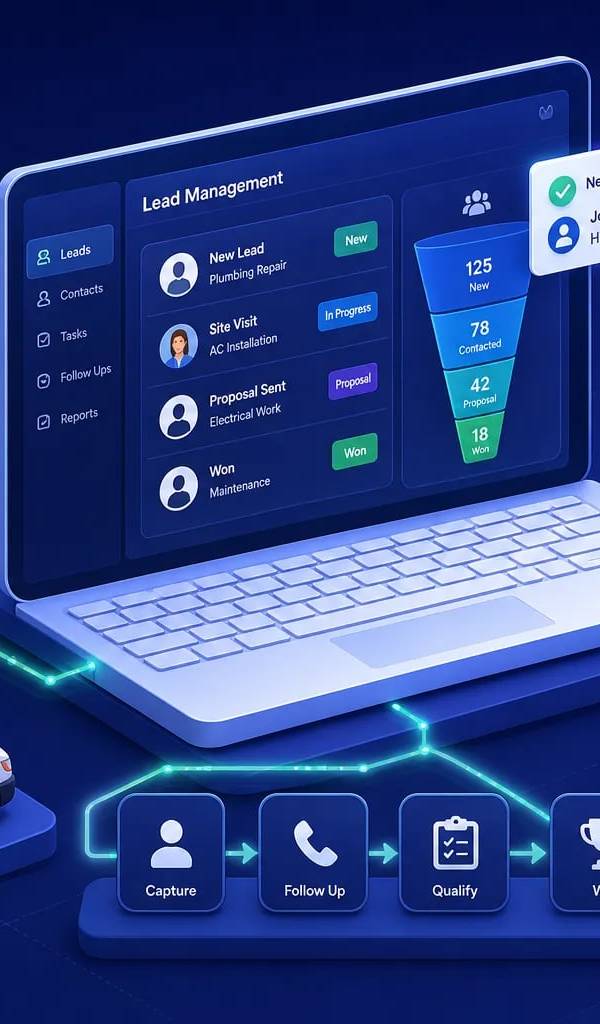
Best Lead Management Software for Field Service in 2026
Compare the best lead management software for field service businesses. See which features, pricing tiers, and platforms keep every lead on track to a booked job.

Best Software for HVAC Contractors: A 2026 Buyer's Guide
Find the best software for HVAC businesses in 2026. Compare top platforms by features, size fit, and pricing, then use our 5-step checklist to choose fast.
Best Facebook Lead Capture Software for Service Businesses
Compare the best Facebook lead capture software for home service businesses. See which tools connect Meta lead ads to your CRM, scheduling, and follow-up automatically.

How Many AC Tons Per Square Foot Does Your Home Need?
Find out how many AC tons per square foot your home needs with a simple sizing chart, climate and insulation adjustments, and tips on when to get a Manual J calc.

ServiceTitan vs Jobber vs All-in-One: Which Wins?
ServiceTitan vs Jobber vs all-in-one platforms compared on pricing, features, integrations, and scalability. Find out which field service software fits your business.
Found this useful? Share it with another contractor or service business owner.