ServiceTitan vs Jobber vs All-in-One: Which Wins?
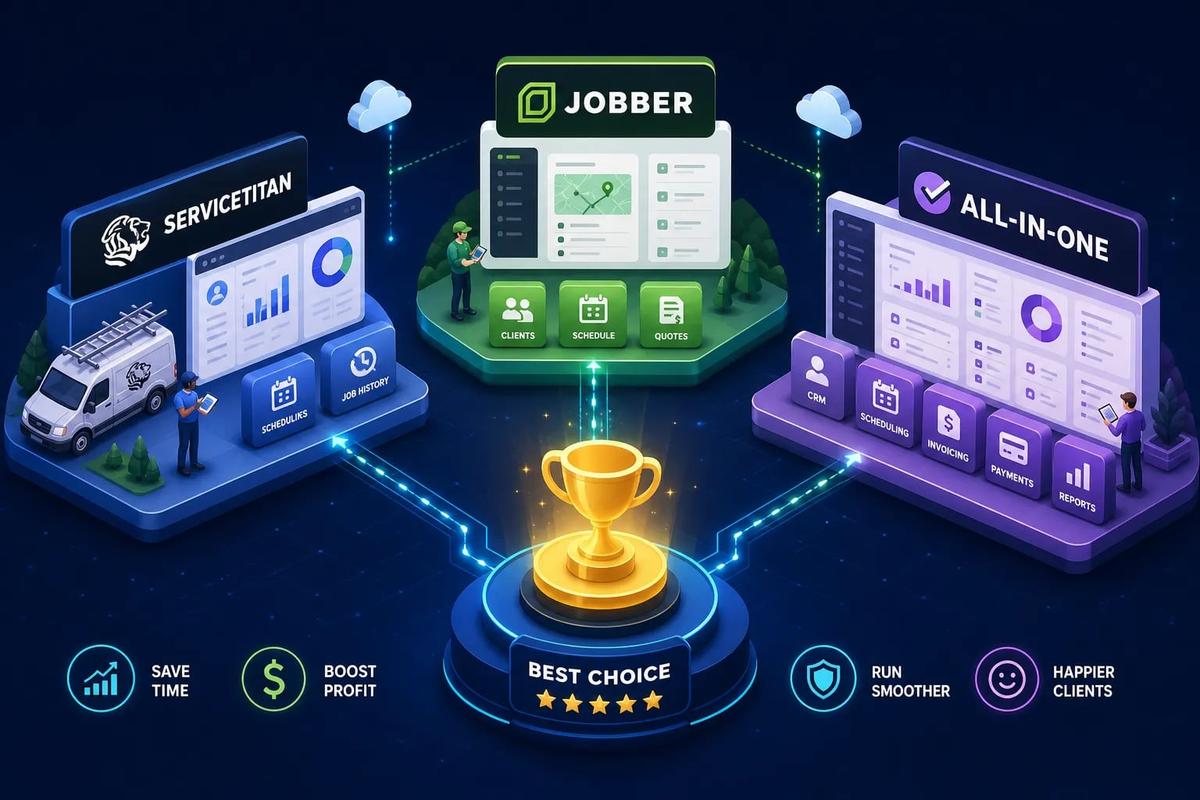
When comparing the ServiceTitan vs Jobber vs all-in-one platform question, the answer usually comes down to team size and budget. ServiceTitan is built for established contractors running 10 or more technicians with dedicated dispatch staff, a CSR team, and a revenue base that justifies a structured, multi-week implementation. Jobber is built for smaller operations, typically 1 to 10 technicians, who need to get organized fast without a five-figure setup bill. Both platforms serve their target customer reasonably well within those bands.
What most comparisons miss is the gap underneath both platforms. Both ServiceTitan and Jobber require additional connectors or third-party tools for certain workflows, marketing attribution, advanced procurement, and specialist integrations among them. Many contractors fill those gaps with Zapier, QuickBooks, DocuSign, and spreadsheets, and that patchwork eventually becomes the ceiling on growth. This article breaks down where each platform wins, where each stalls on its own, and why a growing number of field service businesses are looking at a third option: AI-native, all-in-one field service platforms like URBLD that handle the full cycle from the first ad click to the final payment sync, with no extra integrations required.
Key Takeaways
- Pricing gap is significant: Jobber publishes transparent pricing starting at $29/month. According to estimatekit.com, ServiceTitan costs approximately $245 to $500 per technician per month, with implementation fees that can add $5,000 to $50,000 or more.
- Inventory is Jobber's hard limit: Jobber has no native inventory module. ServiceTitan includes one, but it requires substantial configuration and administration to run effectively.
- Implementation timelines differ dramatically: Jobber is typically live within days. ServiceTitan's standard rollout runs approximately 8 to 16 weeks with a dedicated implementation team.
- Integration debt is real for both: Both platforms require third-party connectors for certain workflows, which creates sync failures and data gaps over time.
- A third option exists: AI-native platforms like URBLD run the entire cycle natively, from lead intake through invoicing and accounting sync, without manual handoffs or third-party tools.
Who Is Each Platform Actually Built For?
Jobber's natural home is the solo operator and small crew. Its pricing is published, setup takes days, and it doesn't require a dedicated IT or operations team to run. For a service company in its first three to five years, that simplicity is the entire value proposition: get organized, send professional quotes, collect payments.
ServiceTitan is designed for contractors who have moved past the owner-operator phase. According to pipelineon.com, A1 Garage Door Service grew to nearly $20 million in annual revenue and expanded to 22 states on the platform, which illustrates the scale ServiceTitan is engineered for. The practical sweet spot, based on industry comparisons including getjobber.com and fieldcamp.ai, is 15 or more technicians, multiple crews or locations, dedicated CSRs and dispatchers, and $2M to $5M or more in annual revenue.
Both platforms have a band where they work well and a band where they don't. Push Jobber past 10 to 15 technicians and the automation gaps start compounding. Start ServiceTitan with fewer than 5 to 8 technicians and the per-tech costs and implementation overhead will likely cost more than the software returns in efficiency. If your business shape is changing fast, you may outgrow the fit before the contract is up. That's a real risk with either tool.
ServiceTitan vs Jobber vs All-in-One Platform: Feature Comparison
Both platforms cover the scheduling, dispatch, mobile app, and invoicing fundamentals. The meaningful gaps appear in inventory management and advanced reporting, and in which features require an upgraded tier to unlock.
Inventory: Jobber's Hard Limit vs. ServiceTitan's Complexity
Jobber's biggest native gap is inventory. If parts, vehicle stock, purchase orders, or supplier purchasing matter to your operation, you'll need a separate system. That gap is especially painful for HVAC contractors managing truck stock and roofing companies tracking material usage across multiple jobs. ServiceTitan includes inventory natively, but roofing and HVAC users frequently report that the module is powerful and cumbersome in equal measure. Catalog setup, assigning parts to work orders, and reconciling stock counts require dedicated training or a designated administrator, and some contractors abandon the module after struggling through the configuration.
Neither platform should be approached as "one price covers everything." Advanced reporting, mobile estimating, payroll, commissions, and specialized modules are tier-gated on ServiceTitan. Automation, GPS, and job costing are distributed across Connect and Grow on Jobber. Always confirm exactly what's included at your specific tier before signing.
How Much Does Each Platform Actually Cost?
Jobber publishes its pricing. Connect runs approximately $99/month for one user, scaling to around $299/month for 11 to 15 users annually, according to estimatekit.com. There's no mandatory implementation fee and no opaque negotiation. What you see is close to what you pay.
ServiceTitan doesn't publish prices. Third-party estimates from estimatekit.com and fieldcamp.ai consistently place the platform at $245 to $500 per technician per month, depending on the package tier. Implementation fees add significantly to year-one costs. According to fieldcamp.ai and fieldservicepro.io, implementation ranges from approximately $5,000 to $50,000 or more. A realistic five-technician first-year deployment lands between approximately $19,700 and $33,000 according to resources.rework.com, with ongoing annual software costs of roughly $14,700 to $18,000 thereafter.
ServiceTitan's contract structure adds another layer of risk. According to ServiceTitan's own terms, subscriptions are month-to-month unless an order form specifies otherwise, but negotiated agreements commonly run 24 to 36 months. Early termination typically triggers a buyout equal to the remaining contract balance. Request the exact term, renewal notice deadline, and early-termination formula in writing before signing anything. The signed order form is decisive, not the general terms on the website.
How Do Integrations Compare Between the Two?
Jobber integrates natively with QuickBooks Online and Xero, which covers most small and mid-sized US contractors. It does not support QuickBooks Desktop. Jobber Payments and Stripe handle payment processing without a separate connector. For teams running straightforward accounting on QuickBooks Online or Xero, Jobber's native integration is sufficient and clean.
ServiceTitan covers QuickBooks Online, QuickBooks Desktop, Xero, Sage Intacct, and NetSuite, giving it broader depth for businesses that have outgrown basic bookkeeping. According to erpresearch.com, ServiceTitan's accounting integration is designed for deeper, often two-way synchronization. ServiceTitan also offers stronger native support for call tracking, campaign attribution, and marketing analytics, while Jobber commonly relies on Mailchimp, CallRail, and Zapier for advanced marketing and CRM workflows.
Adding third-party connectors creates real operational risk. Zapier automations break. QuickBooks syncs lag. Customer records end up living in two systems simultaneously. Capterra reviews and fieldcamp.ai document these sync failures as recurring pain points for contractors on both platforms. This is a structural limitation of field service management software built before AI-native execution was possible, not a bug that either vendor is likely to fix at the core level. The real question isn't which platform has more integrations. It's how many integrations you want to maintain indefinitely as your business scales.
What Does Implementation Actually Look Like?
Most small teams using Jobber are operational within a few days to two weeks. Import your customers, configure services and pricing, connect payments, and you're running. There's no mandatory implementation fee. Higher-tier plans include more dedicated onboarding support, but the platform is self-serve by design. That's a genuine competitive advantage for businesses that can't afford to pause operations for months during a software rollout.
ServiceTitan's standard rollout runs roughly 8 to 16 weeks for a typical contractor, according to both getjobber.com and resources.rework.com. Larger or more complex implementations extend beyond that. Expect dedicated implementation managers, phased configuration, pricebook setup, data migration, and role-specific training across admin, CSR, dispatcher, and technician functions. Budget separately for data cleanup, custom configuration, and post-go-live support. These costs are not always included in the base implementation fee quoted during the sales process.
The most common ServiceTitan implementation failures are consistent across contractor reports from 2025 and 2026: insufficient hands-on training, data migration errors that create duplicate QuickBooks records, incomplete pricebooks at launch, and billing configuration problems. According to mypowerhouse.group, along with review summaries from Capterra and fieldcamp.ai, implementations stall most often when contractors lack a dedicated internal owner, clean legacy data, and standardized workflows before go-live. Understanding these failure modes before signing gives you concrete requirements to put in writing during contract negotiation.
Where Do Both Platforms Fall Short for Growing Contractors?
Jobber works until it doesn't. The automation model is light, the inventory gap is real for trade businesses, and the reporting depth on lower tiers limits operational visibility. A roofing contractor managing 12 crews, staged payments, permit coordination, and high ad-driven lead volume will start feeling friction around 10 to 15 technicians. The instinct at that point is to add tools: a CRM here, a separate inventory app there, a Zapier automation to connect them. That's the beginning of a fragmentation problem that compounds with every new tool added.
ServiceTitan solves the scale problem but creates a different one: operational complexity that requires internal headcount to maintain. Pricebook management, module configuration, and reporting customization aren't set-it-and-forget-it tasks. Some contractors end up hiring or designating a full-time platform administrator.
Both platforms share a core limitation: they were built to track work, not to run it. The cross-module handoffs that matter most, a completed job automatically triggering an invoice, updating accounting, and closing the CRM record, require human intervention or third-party connectors on both platforms. That's a meaningful operational gap for high-volume contractors, and it's exactly the type of friction that newer AI-native field service platforms are built to eliminate from the foundation up.
URBLD takes a different architectural approach entirely. Rather than syncing data between modules or requiring human triggers at handoff points, the platform runs a single execution graph from lead intake through scheduling, job execution, invoicing, and accounting sync. The AI layer qualifies leads, books crews, and generates invoices on job completion. It also drafts purchase orders without waiting for a human trigger. For contractors who have maxed out what a patchwork stack can do, that's a structural upgrade, not just another feature comparison.
How Do You Choose the Right Platform for Your Business?
The decision isn't complicated once you know your business size, budget, and tolerance for integration maintenance. Each platform has a clear home, and the mismatches are expensive in both directions. Buying ServiceTitan before your business is ready wastes capital. Staying on Jobber past the point of fit caps operational throughput.
Choose Jobber if:
- You need to get organized quickly with minimal setup cost
- Your accounting needs are covered by QuickBooks Online or Xero
- Native inventory management is not a core requirement
- You want published pricing with no mandatory implementation contract
Choose ServiceTitan if:
- You're running 10 or more technicians with dedicated dispatch and CSR staff
- You need deep inventory control, advanced pricebook management, and multi-location reporting
- QuickBooks Desktop or enterprise accounting integration is required
- You have the budget and timeline for a structured 8 to 16-week implementation with internal ownership
Consider an AI-native all-in-one field service platform like URBLD if:
- You've outgrown Jobber but the ServiceTitan cost and complexity aren't justified yet
- You're managing a growing number of integrations that create data gaps
- You want the full revenue cycle running in one native system without manual re-entry
- Your operation is scaling fast enough that you need AI to execute workflows rather than just track them
URBLD covers the entire cycle natively: CRM and lead management, scheduling and dispatch, AI-powered estimating, contracts and e-signatures, workforce management, inventory, invoicing, and accounting sync, all without a third-party connector required.
The Bottom Line
When evaluating the ServiceTitan vs Jobber vs all-in-one field service platform decision, match the platform to your business stage. Jobber is the right starting point for most small contractors. ServiceTitan earns its cost at meaningful scale, with the right internal team to support it. Both platforms serve their target customer well within those bands.
The harder truth is that both platforms leave growing contractors stitching together tools to cover the gaps. That's where leads get lost, invoices get delayed, and growth gets capped. If the comparison you're really running is "which of these field service software alternatives will I outgrow first," it may be worth asking whether the platform category itself has changed since both were built. For field service businesses that have outgrown fragmented stacks, the answer isn't always a bigger legacy tool. Sometimes it's a different kind of system entirely.
If you're evaluating your current stack or planning a transition, reach out to our team at URBLD. We can walk you through exactly how an AI-native operating system handles the full revenue cycle for field service and installation businesses, without the integration overhead or the lengthy implementation timeline.
Frequently Asked Questions
How can we tell if we're about to outgrow Jobber?
You are likely outgrowing Jobber once you approach about 10 to 15 technicians and begin needing inventory management, advanced automation, and deeper reporting. At that point the automation gaps compound, you start adding separate tools (CRM, inventory apps, Zapier), and that patchwork creates fragmentation that limits growth.
Will switching to an AI-native platform like URBLD eliminate the need for third-party integrations?
Yes, URBLD runs the full revenue cycle natively and does not require the third-party connectors that create integration debt. That native execution removes the manual handoffs and broken syncs contractors experience when they stitch Jobber or ServiceTitan to other apps.
What hidden costs should we expect if we choose ServiceTitan?
Expect substantial per-technician software costs plus implementation fees, and potential early-termination buyouts if you sign a multi-year order form. Also budget for internal administration headcount or a platform administrator to manage pricebooks, inventory configuration, and ongoing module maintenance.
Can we avoid integration failures if we stick with Jobber and add a few connectors?
No, adding connectors commonly creates sync failures, lagging QuickBooks syncs, and duplicated customer records over time. Those recurring sync problems are a structural limitation of patchwork stacks and often become the ceiling on growth.
Found this useful? Share it with another contractor or service business owner.