Customer & Job Management
Customer & Job Management Software for Service Businesses
URBLD helps service businesses manage customer records, job history, work order tracking, scheduling, field communication, documents, invoicing, and operational workflows from first contact through completed job payment — all inside one connected field service management system.
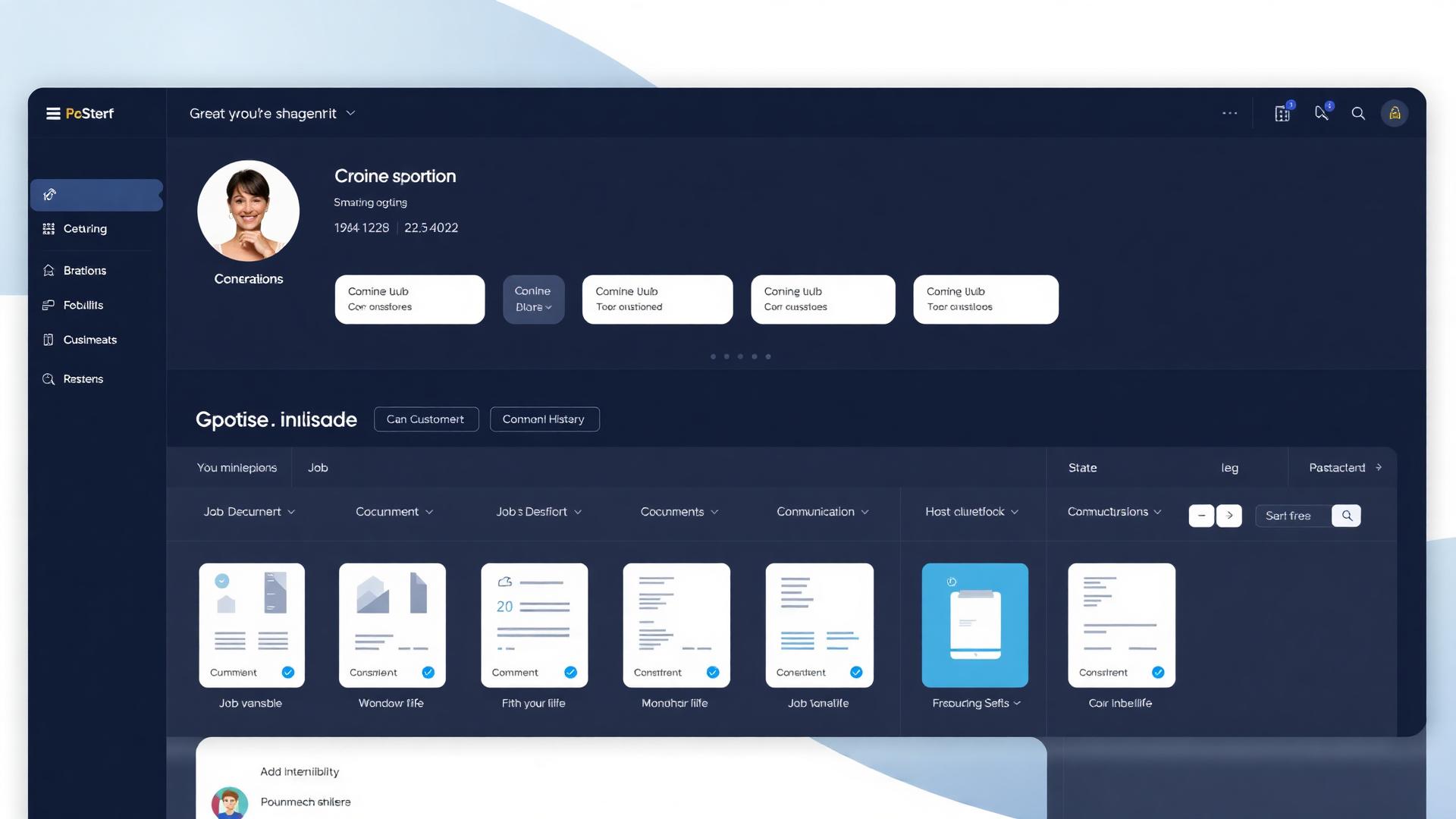
Core Doctrine
This Layer Begins After the Lead Becomes a Customer
Customer & Job Management picks up the moment a lead converts. Everything before that — intake, qualification, follow-up, and booking — happens in the lead layer. URBLD runs both, so the handoff is seamless.
The full operational lifecycle
Lead Operations
Before the customer exists
Customer Operations
After the lead converts
From Lead to Completed Job
Follow every customer and job from first lead to final payment — without re-entering data between systems.
- 1Lead enters the system
- 2Qualification handled inside URBLD
- 3Appointment scheduled
- 4Dispatch assigns the crew
- 5Job tracked in workspace
- 6Documents + communication attached
- 7Invoice generated
- 8Payment collected
- 9Customer history retained forever
No re-entry. No disconnected systems. No operational gaps.
Sound Familiar?
Customer Information Gets Lost Between Systems
Customer details live in the CRM, job notes live in texts, files sit in email, and updates happen over phone calls. URBLD keeps every customer, job, note, file, and activity connected in one place.
Jobs Move Forward Without Full Context
Crews arrive without the right notes. Office staff chase updates. Customers ask questions nobody can answer quickly. URBLD gives every team member the job history, communication, and task context they need.
No One Has a Clear View of Job Status
When jobs move through estimates, approvals, scheduling, execution, invoicing, and follow-up, visibility breaks fast. URBLD tracks each job stage so the office, field team, and customer stay aligned.
URBLD connects the customer, the job, the documents, the communication, and the billing into one continuous flow.
The URBLD Modules That Run Customer & Job Management
The next operational layer after Scheduling & Dispatch — once the job is booked, this is how the business keeps it connected.
Customer Profiles
Store contact details, job history, notes, files, messages, appointments, and activity in one customer record.
Job Management
Track every job from intake to completion with status, assignments, notes, documents, tasks, and history.
Work Orders & Job Details
Keep scope, service details, crew instructions, photos, documents, and updates attached to the job.
Communication History
See calls, texts, emails, reminders, follow-ups, and customer updates in one timeline.
Documents & Approvals
Manage estimates, contracts, e-signatures, approvals, change orders, and job documents without losing context.
Job-to-Invoice Flow
Move completed work into estimates, invoices, payments, and follow-ups without re-entering information.
Real Results
40%
Less time searching for job information
2x
Faster customer response
35%
Fewer missed job details
25%
Better job completion visibility
Industries That Run on Customer & Job Management
Built for service businesses with recurring customers and ongoing jobs.
CRM vs Operational Execution System
Most "service business CRMs" stop at contacts and deals. URBLD runs the actual operational workflow.
Most CRMs
- Store contacts
- Track deals
- Require third-party integrations
- Stop at the sale
URBLD
- Runs scheduling and dispatch
- Manages jobs and work orders
- Coordinates crews in the field
- Tracks every conversation per job
- Handles documents, invoicing, and payments
- Connects execution from lead to payment
Why Most Customer & Job Systems Fall Apart
The problem isn't a missing CRM or job tracker — it's that they don't talk to each other. Every handoff is where information dies.
- Customer record in one tool, job record in another
- Notes scattered across texts, emails, and sticky notes
- Documents and photos lost in inboxes and phones
- Crews working without job history or context
- No single timeline of what was said, sent, or done
- Billing disconnected from the actual job that was completed
- No visibility into which jobs are stalled and why
URBLD isn't another CRM bolted onto a job tracker.
It's one connected operational system.
Ready to Run Customer & Job Management the Right Way?
Start your free trial today. No credit card required.
Customer and job management software for service businesses. URBLD unifies customer records, job history, work order tracking, field service operations, scheduling, documents, and invoicing in one connected job lifecycle management system.
- Roofing companies
- HVAC companies
- Plumbing companies
- Electricians
- Landscapers
- General contractors
- How the feature works
- Who it's built for
- How it connects to the rest of URBLD
- FAQs and related pages
- One connected record across CRM, jobs, and billing
- AI receptionist and follow-up built in
- Field, office, and AI on the same thread
- Trade-specific workflows, not a generic CRM
- E-signature, PDF, and payments included
- Replaces 6+ disconnected tools
What is customer and job management software?
Customer and job management software is the operational layer that keeps every customer record, job, work order, document, conversation, estimate, invoice and payment connected in one system — so the office, field crew and customer all share the same view from first contact through completed-job payment, with no re-entry between CRM, job tracker, scheduling and billing tools.
Frequently Asked Questions
Straight answers about how URBLD runs the business end-to-end.