CRM With Inventory Management: What Small Businesses Actually Need
CRM With Inventory Management: What Small Businesses Actually Need
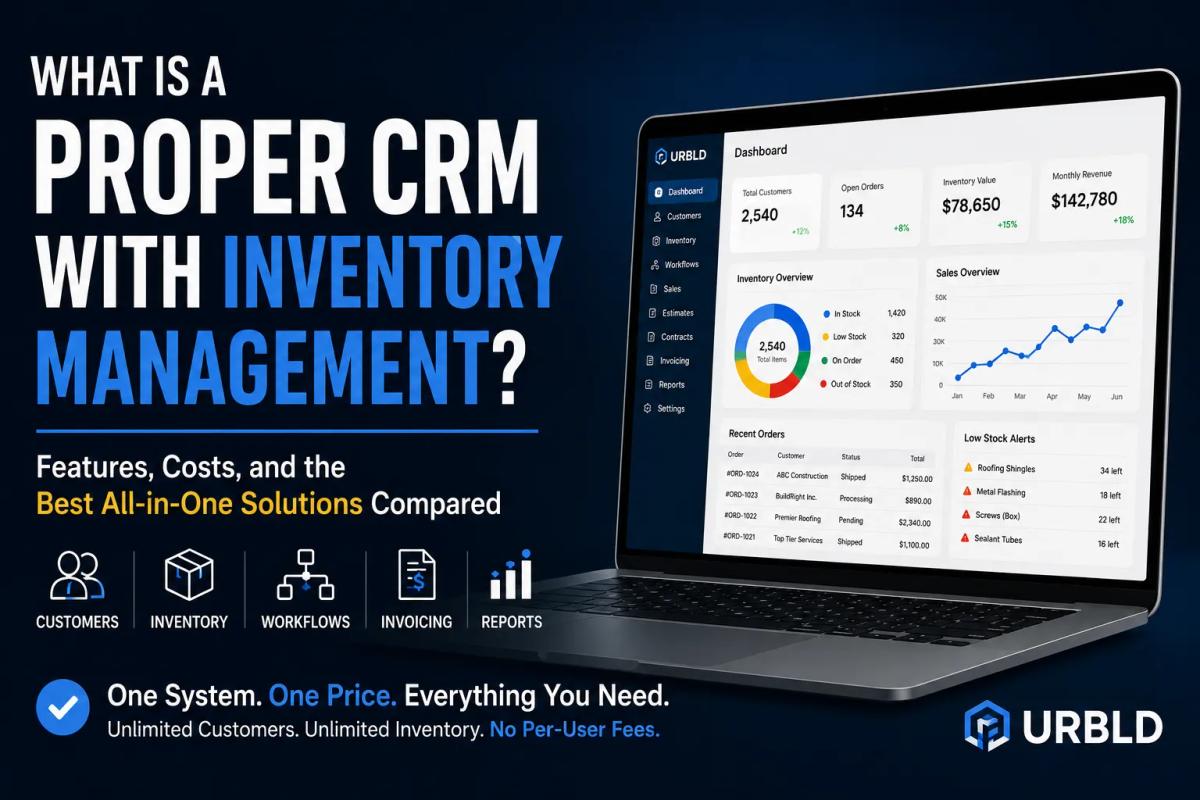
A proper CRM with inventory management does more than store customer information and track stock levels. It connects customers, inventory, estimates, contracts, scheduling, invoicing, payments, reporting, and workflow automation into a single operational system.
Many businesses start with separate tools for customer relationship management, inventory management, scheduling, invoicing, and reporting. While that approach may work initially, it often creates disconnected workflows, duplicate data entry, unnecessary software expenses, and operational inefficiencies that become more expensive as the company grows.
The real question is not whether a business needs a CRM or inventory management software.
The real question is whether those systems work together.
Why CRM and Inventory Are Usually Separate
Traditional CRM software was designed to manage leads, customers, communications, and sales opportunities.
Inventory management software was designed to manage products, stock levels, purchase orders, warehouses, and inventory movement.
The problem is that most businesses need both.
A contractor needs customer information and material availability.
A service company needs scheduling and inventory tracking.
A growing business needs customer records, inventory visibility, invoicing, and automation.
When CRM and inventory management operate in separate systems, information becomes fragmented. Teams spend time switching between applications, manually updating records, and trying to reconcile information that should already be connected.
That disconnect creates inefficiency, delays, and unnecessary costs.
What a Proper CRM With Inventory Management Should Include
A proper CRM with inventory management should create a continuous workflow from lead generation to payment collection.
At a minimum, the system should include:
• Customer and lead management
• Unlimited customer records
• Inventory tracking
• Inventory allocation by job
• Estimates and proposals
• Contracts and electronic signatures
• Scheduling and dispatch
• Invoicing and payment processing
• Workflow automation
• Reporting and analytics
• Team collaboration tools
The objective is not simply to track inventory.
The objective is to connect inventory directly to the customer journey and operational workflow.
When inventory, customers, jobs, estimates, contracts, scheduling, and invoices exist inside one system, businesses operate more efficiently and with fewer errors.
The Hidden Cost of Using Multiple Systems
Many businesses evaluate software based solely on monthly subscription prices.
That approach often misses the bigger picture.
A company may pay separately for:
• CRM software
• Inventory management software
• Scheduling software
• Estimating software
• Contract software
• Invoicing software
• Automation tools
• Reporting platforms
Individually, each subscription may seem affordable.
Combined, they often become significantly more expensive than a unified solution.
More importantly, disconnected systems create hidden costs:
• Duplicate data entry
• Employee training on multiple platforms
• Data inconsistencies
• Delayed communication
• Missed follow-ups
• Reduced operational visibility
These costs often exceed the software subscriptions themselves.
CRM With Inventory Management Should Not Be Overcomplicated
One common mistake businesses make is assuming that more features automatically create more value.
Many enterprise systems are extremely powerful, but they are also expensive, difficult to configure, and require significant training.
A proper CRM with inventory management should simplify operations rather than complicate them.
The best systems allow teams to:
• Access information quickly
• Update records easily
• Track inventory accurately
• Manage customer relationships efficiently
• Automate repetitive tasks
Technology should reduce friction, not create it.
Signs Your Current CRM Is Not Managing Inventory Properly
Many businesses already have software but still struggle operationally.
Common warning signs include:
• Inventory is still tracked in spreadsheets
• Stock counts are frequently inaccurate
• Estimates require manual calculations
• Employees use multiple systems to complete one task
• Customer information is duplicated across platforms
• Scheduling is disconnected from inventory availability
• Reporting requires manual consolidation
If these issues exist, the business likely has disconnected tools rather than a true CRM with inventory management.
Best CRM With Inventory Management: What Businesses Should Compare
When evaluating the best CRM with inventory management, businesses should focus on workflow rather than feature count alone.
Customer Management
Can the system manage leads, customers, communication history, and sales opportunities?
Inventory Management
Can the system track inventory in real time and allocate materials to specific jobs?
Workflow Integration
Can inventory, scheduling, contracts, estimates, and invoices work together seamlessly?
Automation
Can repetitive administrative tasks be automated?
Reporting
Can management view operational data without exporting information from multiple systems?
Pricing
Is pricing predictable and scalable as the business grows?
The best CRM with inventory management is not necessarily the most expensive platform.
It is the platform that aligns with the company's operational needs.
Why Price Matters
Many inventory management platforms charge substantial monthly fees.
Some inventory systems cost $150 to $300 per month.
Many CRM platforms increase pricing based on users, advanced features, integrations, or automation requirements.
Over time, software costs can become a significant operational expense.
Businesses searching for a free CRM with inventory management often discover that free solutions require multiple integrations, paid add-ons, or manual processes that eventually increase overall costs.
Companies should evaluate not only subscription pricing but also the total operational cost of maintaining multiple systems.
A unified CRM inventory management platform can often reduce software costs while improving efficiency.
Why Contractors and Service Businesses Need CRM With Inventory Management
Contractors and service businesses face unique operational challenges.
Roofing companies manage materials, crews, estimates, contracts, and customer communications.
Plumbing companies manage service calls, inventory, dispatching, and invoicing.
Electrical contractors track equipment, materials, scheduling, and project workflows.
Landscaping companies manage recurring services, inventory, scheduling, and customer communication.
In these industries, inventory directly impacts job execution.
When inventory is disconnected from customer workflows, projects become delayed, costs increase, and customer satisfaction suffers.
A proper CRM with inventory management helps connect operational activities into one continuous process.
CRM With Inventory Management vs Inventory Management Software
Inventory management software focuses primarily on stock control.
It typically includes:
• Product tracking
• Purchase orders
• Warehouse management
• Stock movement
• Inventory reporting
However, inventory management software often lacks:
• Lead tracking
• Customer communication
• Scheduling
• Contracts
• Workflow automation
• Payment collection
A CRM with inventory management combines both operational and customer-facing processes into a unified system.
CRM With Inventory Management vs ERP
Many people assume ERP systems are the answer.
ERP systems can be extremely powerful, but they are often designed for larger organizations with dedicated administrative teams.
Small and growing businesses frequently need something more practical.
They need a platform that manages:
• Customers
• Inventory
• Scheduling
• Contracts
• Invoices
• Payments
• Reporting
Without the complexity and cost associated with enterprise-level ERP systems.
Frequently Asked Questions
What is CRM in inventory management?
CRM in inventory management refers to a system that combines customer relationship management with inventory tracking. It allows businesses to manage customer interactions, inventory levels, estimates, contracts, scheduling, invoicing, and reporting from a single platform.
What is the difference between CRM and inventory management software?
CRM software focuses on customer relationships, leads, communications, and sales activities. Inventory management software focuses on stock control, purchasing, warehouses, and inventory movement. A CRM with inventory management combines both functions into one system.
Is a CRM with inventory management better than using separate tools?
For many small businesses, a unified platform reduces duplicate data entry, improves operational visibility, and eliminates the need to switch between multiple applications throughout the day.
What industries benefit most from CRM inventory management software?
Contractors, roofing companies, plumbing businesses, electrical contractors, landscaping companies, field service businesses, and growing small businesses often benefit the most because inventory directly impacts job completion and customer satisfaction.
What should I look for in the best CRM with inventory management?
Look for customer management, inventory tracking, scheduling, estimates, contracts, invoicing, automation, reporting, and scalability. The best platform is one that supports your operational workflow without unnecessary complexity.
Can small businesses afford CRM with inventory management?
Many modern platforms are designed specifically for small businesses. The key is evaluating total operational cost rather than comparing subscription prices alone. A unified platform can often cost less than maintaining multiple disconnected software subscriptions.
Common Mistakes When Choosing CRM Inventory Management Software
Businesses frequently make several avoidable mistakes.
Choosing Based Only on Price
Cheap software often creates expensive operational inefficiencies.
Choosing Based Only on Features
More features do not always create better workflows.
Ignoring Workflow Integration
Inventory should connect directly to jobs, scheduling, invoicing, and customer management.
Ignoring Scalability
Software should support business growth without dramatically increasing costs.
Ignoring User Experience
If employees do not use the platform consistently, the software cannot deliver value.
Final Checklist: What a Proper CRM With Inventory Management Needs
Before selecting a CRM with inventory management solution, ask:
• Can it manage customers and leads?
• Can it track inventory in real time?
• Can it connect inventory to jobs?
• Can it generate estimates and contracts?
• Can it schedule teams effectively?
• Can it automate repetitive processes?
• Can it generate meaningful reports?
• Can it support business growth?
• Can employees use it easily?
• Does pricing remain reasonable as the company expands?
If the answer is yes to all of these questions, the platform is likely positioned to support long-term operational success.
The best CRM with inventory management is not necessarily the one with the most features. It is the one that connects customers, inventory, scheduling, contracts, invoicing, automation, and reporting into a single workflow that helps the business operate more efficiently.
A proper CRM with inventory management should not simply store information.
It should reduce overhead, improve visibility, streamline operations, and create a better experience for both employees and customers.
Found this useful? Share it with another contractor or service business owner.