Best Landscaping CRM for 2026: Features, Pricing, Top Picks
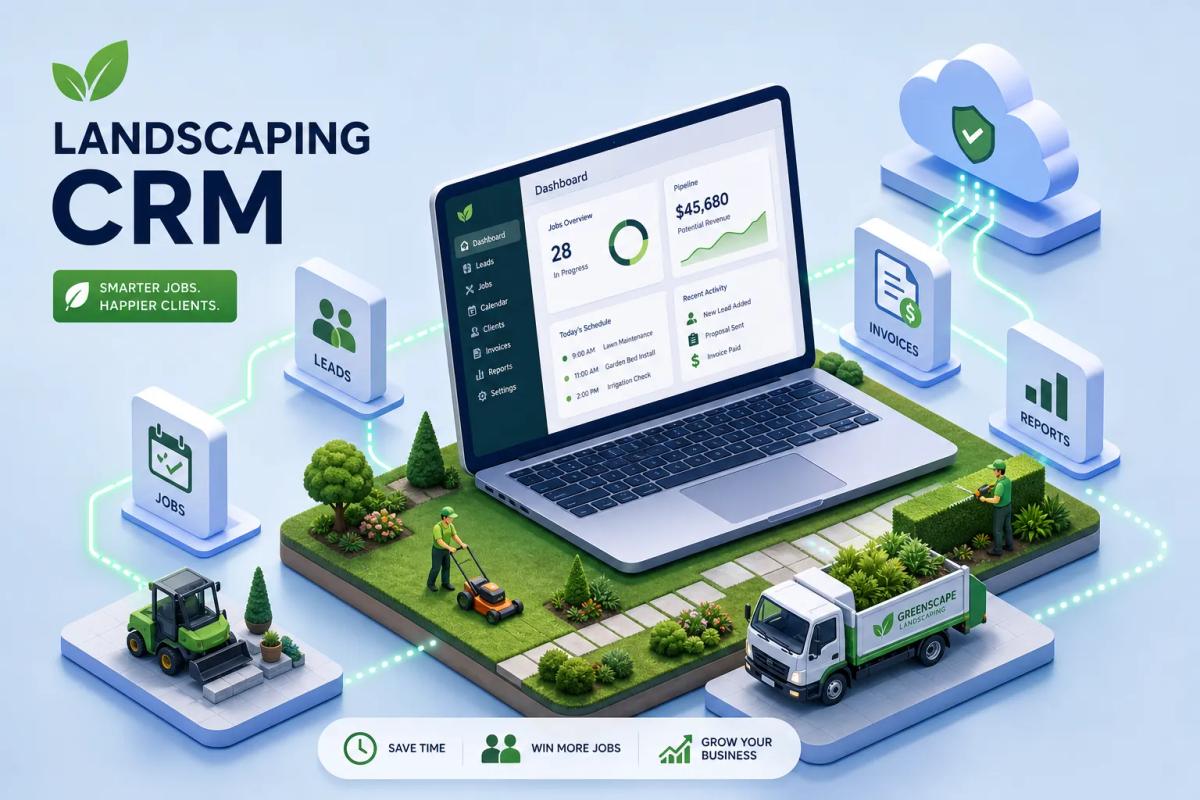
Most landscaping businesses aren't struggling because of bad crews or bad customers, operational friction is usually the culprit. Many owners report losing jobs and revenue because their software stack is fragmented: a landscaping CRM that doesn't talk to the scheduling tool, invoices generated in one platform and payments tracked in another, leads going cold because nobody followed up fast enough. Each gap in that chain is a place where revenue disappears.
The right landscaping CRM ties the entire operation into a single flow: a lead comes in, gets scored and followed up automatically, receives an estimate, signs off, gets scheduled, the crew clocks in and out, and an invoice fires on job completion. That's what purpose-built landscape business software is supposed to deliver. Most businesses aren't running that. Instead, they're juggling three to five separate tools and wondering why growth feels so hard.
This guide breaks down the top options by business size, covers the features that actually matter, compares pricing tiers, and explains when an all-in-one platform makes more sense than stitching tools together. Whether you're running a two-person lawn care route or managing a dozen commercial maintenance crews, there's a clear answer here.
What a landscaping CRM actually needs to do
A standard CRM tracks contacts and deals. That's the entire value proposition for most generic platforms, and it falls well short of what a landscaping operation actually needs. Landscaping requires scheduling, crew dispatch, route optimization, recurring job management, and field communication built into the same system. When those don't exist natively, you manage the gap with spreadsheets or Zapier workflows that break at the worst possible moments, usually mid-season when job volume peaks.
Every handoff in the lead-to-invoice chain is a place where revenue disappears if the software doesn't cover it natively. Vendors in this space, including Service Autopilot and Jobber, report that businesses switching to a purpose-built CRM for landscapers often reclaim several hours per week in admin time. Route optimization alone can meaningfully cut fuel costs, vendor case studies cite ranges of 20 to 30 percent, though results vary by fleet size and geography.
The most common pain points landscaping owners report when running disconnected tools are missed follow-ups on paid leads, double-bookings, scattered customer and property data across emails and spreadsheets, crews arriving unprepared because job details didn't reach the field app, and staff manually re-entering data between systems. These aren't minor inconveniences. Left unaddressed, they add up to significant wasted labor costs and lost revenue over a single season.
Must-have features for any landscaping CRM or job management software
Lead tracking and automated follow-up
Your CRM should capture leads from every source, web forms, paid ads, referrals, Google Business Profile (GBP), score them by activity, and trigger follow-up sequences automatically without anyone having to remember. Slow or missed follow-up is a leading cause of landscaping businesses losing leads they already paid to acquire. Research on time-to-contact consistently shows that conversion rates drop sharply when response time exceeds a few minutes on warm inquiries, and the next company on Google is only a tap away for a prospect who doesn't hear back quickly.
Job scheduling, crew dispatch, and route optimization
Drag-and-drop scheduling, recurring job management, GPS-based routing, and real-time crew visibility are non-negotiable for any operation running more than one truck. A solid landscaping job scheduling app shows crew capacity and job locations on the same screen, not in separate tabs that require manual reconciliation. QuoteIQ prominently documents native GPS crew tracking and real-time route optimization as core features in its 2026 platform, making it a strong option for shops that need both in one product.
Estimating, invoicing, and payment collection
Estimates should convert to jobs with one click. Invoices should trigger automatically on job completion. Payments should be collectible on-site or via a text link sent to the customer immediately after the crew leaves. Any platform that requires you to export data into a separate accounting tool to generate an invoice is adding friction your business doesn't need. The billing lag created by disconnected tools is one of the top cash flow problems in landscaping operations, and it's entirely avoidable.
Reporting that shows actual profitability
Job costing, crew productivity, and revenue-by-service-type reports let you make real decisions about pricing and staffing. A crew productivity report, for example, can surface which jobs consistently run over estimated hours, giving you hard data to reprice or restructure those contracts. Without that visibility, you're operating on gut feel. If you can't tell whether your commercial mowing contracts are actually profitable after crew hours and fuel, you have no basis for raising prices or cutting underperforming routes.
Best picks for solo operators and small landscaping crews
Yardbook: the free starting point
Yardbook is the most visible free option in the lawn care CRM space. It handles basic customer records, job scheduling, invoicing, and route planning at no cost, with ads as the tradeoff. It's a legitimate starting point for a solo operator or a two-person crew that needs basic structure. It starts to show limits once you're managing more than a few crews or need meaningful automation, but for a brand-new landscaping business trying to get organized without spending money on software, it's a reasonable entry point.
QuoteIQ: best all-around for small shops
QuoteIQ is being positioned aggressively in 2026 as a strong landscaping CRM for small to mid-size shops, and its feature set backs that up. Pricing runs from $29.99 per month (Essentials) up to $299 per month (Elite), with every plan including a 14-day free trial. The platform covers measurement, estimating, scheduling, route optimization, invoicing, and automated follow-ups in one system. For a growing lawn care business that wants GPS crew tracking and real-time routing without paying enterprise prices, QuoteIQ is worth a close look at the entry tier.
Jobber: the mainstream small-business pick
Jobber remains the most commonly recommended contractor CRM for landscapers at the small-business level. Plans start at $39 per month (Core) and scale to $349 per month (Plus), with a 14-day free trial available. It covers quoting, scheduling, dispatch, client communication, recurring jobs, and invoicing through a clean mobile app that field crews can actually use. Its QuickBooks Online integration syncs customers, invoices, and payments in both directions. One important detail: invoice edits made after the initial sync push must be updated manually in both systems, which matters if your bookkeeper expects real-time reconciliation in QuickBooks.
Best landscaping CRM options for growing businesses
LMN: when estimating and job costing are the priority
LMN is purpose-built for the green industry, and its estimating module is the strongest in the category for commercial work. It uses production-rate estimating and budget-to-actual job costing that generic platforms can't replicate. If you're bidding large commercial maintenance contracts and need to know whether you're actually making money on each property after crew hours, equipment, and drive time, LMN is the right tool. Pricing starts around $97 per month with a 14-day trial available, though commercial tiers run higher.
Housecall Pro: residential-focused with solid automation
Housecall Pro works well for residential landscaping companies that need consumer-friendly online booking, automated appointment reminders, and easy invoicing. Entry pricing runs $69 to $79 per month with higher tiers at $329 and above. It's not the deepest landscaping operations platform in the category, but it handles scheduling, payments, and customer communication cleanly for growing residential crews. If your business is residential-heavy and customer experience is as important as operational efficiency, Housecall Pro fits that profile.
Service Autopilot: built for route-based lawn care
Service Autopilot is a strong pick for businesses running recurring lawn care routes where billing automation and route sequencing are the main operational priority. Starting around $49 per month, it handles automated recurring billing, scheduled service workflows, and route optimization that produces real fuel savings at scale. According to Service Autopilot's published customer data, businesses processing 80 or more jobs weekly report saving five to eight hours per week after switching. It's less flexible for project-based or design-build work, but for pure route-based lawn care, the recurring workflow depth is hard to beat.
Enterprise tools for large commercial landscaping firms
Aspire: the enterprise standard for commercial landscaping
Aspire is consistently cited as a top choice for larger commercial landscaping companies. It combines estimating, scheduling, job costing, crew management, and profitability reporting in one landscape-specific platform built from the ground up for commercial operations. Pricing is quote-based, with estimates typically ranging from $300 to $800 or more per month depending on scope, making it impractical for small operations. For a firm running dozens of crews across commercial maintenance contracts, its budget-to-actual tracking and production reporting are among the strongest available in the category.
RealGreen by WorkWave: built for chemical and route-heavy operations
RealGreen is the go-to for lawn treatment and fertilization businesses with truck-based workflows. It excels at dynamic routing, chemical tracking, and recurring service billing at scale. Pricing typically starts around $199 per month and scales through a quote-based model. It's a specialized platform, and its depth on the chemical and application side of landscaping is difficult to replicate with general-purpose tools. If your primary revenue comes from fertilization programs, weed control, or pest applications rather than mowing or installation, RealGreen belongs on your shortlist.
ServiceTitan: large multi-service operators
ServiceTitan appears in 2026 landscaping comparisons for enterprise operators running landscaping alongside other service lines like irrigation or tree care. It's a powerful platform with strong profitability tools and advanced reporting, but its complexity and cost make it most appropriate for businesses with full-time operations managers who can configure and maintain the system. For a pure landscaping business under 20 crews, the overhead required to get value from ServiceTitan typically outweighs the benefit. It earns its place at the enterprise level, not the growth level.
QuickBooks sync, what each landscaping CRM actually offers
Every vendor claims QuickBooks integration. The real question is whether it's a one-way data push or a live two-way sync that keeps customers, invoices, and payments aligned without manual reconciliation. That distinction matters every week when you're reviewing cash flow, and it matters significantly at tax time when your bookkeeper needs clean records without digging through discrepancies.
Method CRM and Kickserv are among the most explicitly documented platforms for real-time two-way sync covering both QuickBooks Online and Desktop. Jobber's QuickBooks Online integration syncs customers, invoices, and payments in both directions, but invoice edits made after the initial push require manual updates in both systems. LawnPro syncs customers, invoices, expenses, and payments with QuickBooks Online. QuoteIQ offers QuickBooks sync as its primary integration, though its two-way depth is less documented than Jobber or Method.
For businesses using QuickBooks as their accounting backbone, the sync quality of your CRM directly impacts your bookkeeper's workload and your financial accuracy. Platforms like Aspire and ServiceTitan have accounting workflows built natively into the platform, which reduces how much you rely on QuickBooks at all. If your accounting is already mature in QuickBooks and you don't want to migrate it, prioritize CRMs with verified two-way sync rather than settling for a one-time export model.
Why all-in-one platforms are replacing the CRM-plus-tools approach
Most landscaping businesses run on three to five separate tools: a CRM, a scheduling app, an invoicing platform, a document signer, and QuickBooks. Every gap between those tools is a place where data gets re-entered manually, leads get lost in the handoff, and invoices get delayed because someone forgot to trigger the next step. Industry estimates suggest landscaping companies lose several hours per employee per week to manual data entry across disconnected systems, multiply that across a team of ten people and a full season, and the cost adds up fast.
This is exactly the problem URBLD is built to solve. URBLD is an AI-powered field service management platform designed to replace the fragmented stack for field service and installation businesses. According to URBLD, the platform covers lead intake, automated follow-up, scheduling and dispatch, crew GPS tracking, photo-based estimating, e-signatures, invoicing triggered on job completion, and real-time accounting sync, all within a single system that eliminates manual data handoffs between modules. For a landscaping business that has outgrown Jobber or is tired of bridging separate tools through Zapier workflows, that kind of consolidated architecture is worth evaluating directly.
The distinction worth understanding is this: a CRM tracks contacts and deals. An all-in-one field service operating system like URBLD is designed to execute the work, qualifying leads, booking crews, generating invoices, and handling purchase orders within the same platform. If your team spends more than a few hours per week copying data between tools or chasing unpaid invoices, the problem may not be which CRM you chose. It may be that you need a full business operating system, not another contact database.
How to match the right landscaping CRM to your business
Choosing by business size and operational complexity
Solo operators and startups should evaluate Yardbook (free) or QuoteIQ starting at $29.99 per month. Growing residential crews get the most from Jobber or Housecall Pro, with Jobber being the stronger pick if QuickBooks sync is important. Route-based lawn care businesses at scale should look hard at Service Autopilot for its recurring workflow automation. Commercial landscaping companies with serious job costing needs belong in LMN or Aspire depending on budget. And businesses trying to eliminate their entire software stack should evaluate URBLD as a direct replacement for the patchwork of tools they're currently running.
Questions to ask during your free trial
Test whether scheduling changes sync to the field app in real time, not after a manual refresh. Test whether an estimate can become an invoice without leaving the platform or touching a separate tool. Check how long it takes for a completed job to generate a payment request to the customer. These aren't theoretical questions, they reflect the daily friction that compounds into dozens of wasted hours over a full season, and the answers will tell you more about a platform's actual value than any feature comparison chart.
Watch for these red flags before you commit: platforms that require a paid add-on for basic QuickBooks sync, platforms where invoicing and scheduling live in modules that don't communicate with each other, and any vendor that pushes you into a long onboarding contract before you've seen the software handle your actual workflows with real jobs and real crew assignments.
The right landscaping CRM closes operational gaps, not just contact records
A landscaping CRM is only as good as the operational gaps it closes. The best tool for a solo lawn care operator is not the same as the best tool for a commercial landscaping firm managing 15 crews. Use the breakdown in this guide to shortlist two or three options that match your business size, then take advantage of the free trials available from QuoteIQ, Jobber, and LMN to test with real jobs before committing.
If you're at the point where the problem isn't which CRM for landscapers to pick, but how to stop managing five separate platforms, that's a structural issue, not a feature gap. Explore what a true all-in-one system like URBLD can do for a field service business that has outgrown the tool-stacking approach. The platform is designed specifically for operations with high job volume, multiple crews, complex scheduling, and a full revenue cycle that shouldn't require manual intervention at every handoff.
The right landscape business software doesn't just organize your contacts. It runs the operation from the first lead to the final payment, with no manual bridging in between. Hold every platform you evaluate to that standard.
Found this useful? Share it with another contractor or service business owner.