Best AccuLynx alternatives for roofing contractors 2026
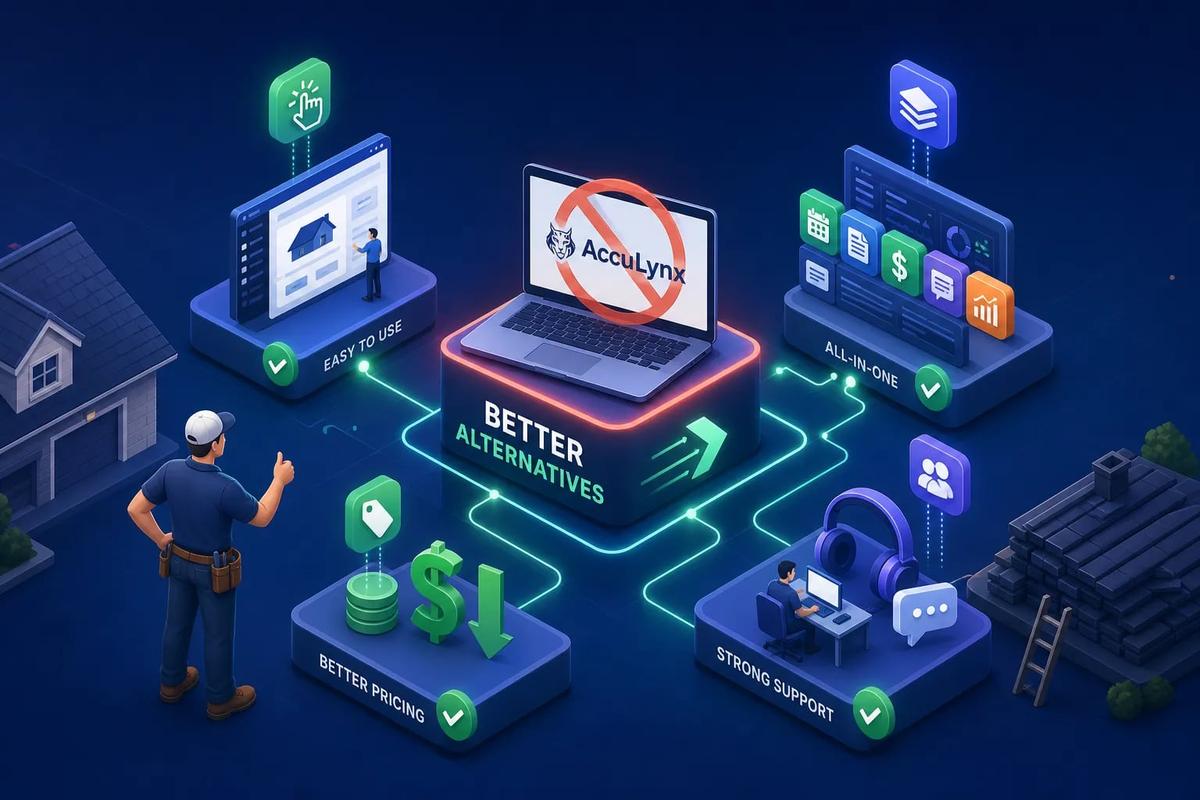
If you're evaluating an AccuLynx alternative, you're probably not leaving because AccuLynx is a bad product. Many contractors who switch cite outgrowing the platform's boundaries rather than a fundamental flaw. AccuLynx works well for a specific slice of the market, insurance restoration-focused shops running a tight workflow around aerial measurements and claim documentation. But the moment you need deeper CRM pipelines, automatic invoicing, or multi-crew coordination without adding more tools, the cracks start showing.
What's changed in 2026 is the category itself. A new class of AI-powered platforms has entered the field service space that doesn't just swap out AccuLynx's feature list; it eliminates the multi-tool dependency that causes the problem in the first place. One platform, from the first ad click to the final payment, with no sync jobs between disconnected systems.
This guide compares the top AccuLynx replacements worth considering, what each one actually does well, honest pricing, and a practical path to switching without losing your data or disrupting your crew mid-season.
Why roofing contractors start looking for an AccuLynx replacement
The CRM that wasn't built to go deep
AccuLynx is primarily a job management and roofing workflow tool. Its CRM capabilities, pipeline visibility, lead scoring, activity tracking, and automated follow-up sequences, are limited compared to what growing roofing operations actually need. When lead volume climbs, contractors start patching in separate CRM tools, which creates data gaps and dropped follow-ups. Sales teams end up working around the software rather than through it, which defeats the purpose of having a platform at all.
Invoicing automation that still needs a human in the loop
One of the most common friction points with AccuLynx is billing. The platform supports invoicing workflows tied to job status and syncs with QuickBooks, but a fully automatic trigger that fires an invoice the moment a job is marked complete is not clearly confirmed by AccuLynx's own documentation. That means someone on your team has to catch it, create it, and send it manually. For a high-volume operation running multiple crews, that's a billing delay baked directly into your workflow, and billing delays compound into cash flow problems.
The third-party tool stack AccuLynx requires you to build
AccuLynx's aerial measurement integrations with EagleView, SkyMeasure, and GAF QuickMeasure are genuinely strong. That part works. But the platform leans heavily on external tools for accounting, payments, document signing, and marketing. A typical mid-sized roofing company running AccuLynx ends up with AccuLynx itself, QuickBooks, DocuSign, a separate CRM, and often a scheduling or communication tool layered on top. Each integration is a sync point that can fail, and when one breaks on a Friday afternoon, your billing or scheduling goes with it.
What a real AccuLynx alternative actually needs to do
Native features vs. "we integrate with that"
There's a meaningful difference between a platform that does invoicing natively and one that connects to QuickBooks after you've manually triggered it. When evaluating any roofing CRM alternative, the first question to ask is what's built in versus what's bolted on. Integration chains create lag, require ongoing maintenance, and introduce failure points that native functionality eliminates entirely. "We integrate with that" is not the same as "we do that."
Crew management that works without a spreadsheet backup
Real crew management means GPS clock-in, crew load balancing, drag-and-drop scheduling with actual availability data, and one-click job assignment. Most roofing CRMs treat scheduling as a calendar view, not as a dispatch system. That distinction matters when you're coordinating three crews across different job sites and need to know in real time which crew has capacity, not just which jobs are on the board. AccuLynx is built around a production calendar rather than a live dispatch system, and based on documented user reports, the mobile app lacks a unified view that shows materials, labor, and appointments together in one screen.
Automation that runs forward, not just backward
The best AccuLynx replacement shouldn't just record what happened. It should trigger what happens next: follow-ups sent, invoices generated, contracts dispatched, job status updated without a human initiating each step. When you evaluate roofing CRM alternatives, don't just count features. Evaluate automation depth. A platform with 40 features and no cross-module automation will create the same manual drag AccuLynx already does, just with a different logo on the login screen.
Projul and JobNimbus: the roofing-native contenders
Projul: all-trades depth with flat-rate pricing
Projul is one of the most directly comparable all-in-one alternatives on the market right now. It covers estimating, scheduling, mobile app access, document management, and job costing in one platform, with flat-rate annual pricing and no per-user fees. The three tiers are as follows: Core at $4,788/year, Core+ at $7,188/year, and Pro at $14,388/year, with no monthly billing option. That flat-rate structure is genuinely useful for growing teams because adding crew members doesn't add software cost. The Core plan supports up to 10 employees; Pro supports unlimited users.
The key limitation for roofing-specific shops: Projul has no native aerial measurement tool. You'll still need EagleView or a similar service layered on top. For contractors whose workflow is heavily measurement-driven, that's a real gap to account for before signing.
JobNimbus: roofing CRM with EagleView baked in
JobNimbus is built specifically for roofing and exterior contractors. Its native EagleView integration lets measurement data flow directly into estimates without exporting and re-importing, a meaningful advantage for any shop that orders multiple roof reports per week. The platform also emphasizes native workflow automation, digital whiteboards, and texting features; AccuLynx users often rely on third-party integrations for similar functionality. Where JobNimbus falls short: invoicing and accounting still require a QuickBooks integration, and the CRM depth is workable but not enterprise-grade for high-volume sales operations. For a direct AccuLynx vs. JobNimbus comparison, the clearest distinction is workflow automation and native texting on the JobNimbus side versus stronger insurance restoration tooling on AccuLynx's side.
Where both platforms still leave gaps
Projul and JobNimbus both improve on AccuLynx in meaningful ways. But neither fully closes the multi-tool problem. You'll still need a payment processor, an accounting sync, and possibly a separate contract tool. Before signing with either platform, ask the vendor to walk you through the complete software stack a typical customer runs alongside their product. The answer tells you more than any feature list will.
Roofr, Jobber, and ServiceTitan: when estimation or scale takes priority
Roofr: estimating-first, and a documented AccuLynx exit
Roofr is primarily a roofing estimating platform, not a full operations system. It does have at least one well-documented switch story worth citing: Peaks View Roofing reported over 50% in software cost savings, more than $400 per month back in the business, and estimate turnaround cut by 80% after switching from AccuLynx. Those numbers are specific enough to take seriously. Roofr fits contractors whose primary pain point is proposal speed and cost, not operational management across multiple crews. If you're losing bids because your estimates take too long, Roofr is worth a look. If you're losing jobs because your crew coordination or invoicing is broken, it's not the right tool.
Jobber: strong for service ops, weaker for roofing specifics
Jobber has a solid native integration stack: EagleView, QuickBooks Online, CompanyCam, and Stripe payments are all direct connections, not Zapier workarounds. It works well for HVAC and plumbing contractors, and some smaller roofing operations use it effectively. The limitation for roofing-specific workflows is the absence of native Xactimate support and limited insurance restoration tooling. If your business runs a mix of roofing and other service trades, Jobber handles that blended workflow better than most roofing-first platforms. If you're a pure roofing shop with significant insurance restoration volume, it won't have the workflow depth you need.
ServiceTitan: the enterprise option with enterprise pricing
ServiceTitan is a full-featured trades platform, and its feature depth is real. It covers estimating, dispatch, inventory, customer management, and reporting at a level that most mid-market tools don't reach. On pricing: entry-level runs roughly $245 per technician per month, with minimums that put most operations at around $1,500 per month before add-ons. That price-to-value equation only makes sense at 20-plus technicians for most mid-sized roofing companies. Below that threshold, you're paying enterprise prices for capacity you won't use.
URBLD: the AI-powered AccuLynx alternative that runs the full revenue cycle natively
What "all-in-one" actually means for a roofing operation
Most platforms call themselves all-in-one. URBLD is designed to function as a single execution system, from the first ad click to the signed contract to the completed job to the automatically triggered invoice. No sync jobs between separate systems. No manual re-entry when a lead converts to a job. No third-party middleware to maintain. For a roofing company managing high lead volume, staged payments, and multiple crews, that architecture means the business moves forward without someone manually pushing it from step to step.
Where AccuLynx needs five tools, URBLD uses one
Walk through the specific gaps AccuLynx leaves, and URBLD addresses each one as a vendor-stated native capability. Rather than a disconnected tool stack, the platform is designed to include:
- CRM with activity-based lead scoring and automated follow-up sequences
- Invoicing configured to fire automatically on job completion within owner-defined rules
- Crew assignment, GPS clock-in, and load balancing inside the same platform
- Native e-signatures and contracts with no third-party signing tool required
- Built-in lead capture with full attribution from ad to closed job
- Inventory management with PO drafting and low-stock alerts
Every one of those functions is designed to live in the same system, sharing the same data, which means no import lag, no duplicate records, and no integration that breaks over a long weekend.
The AI layer that actually executes instead of just notifying
What separates URBLD from other platforms that use "AI" as a marketing term is what the AI is designed to do inside the workflow. According to URBLD, the system qualifies leads, books crews, generates invoices, and drafts purchase orders without waiting for a human to trigger each step, all within the rules and parameters you configure. For a roofing company running at volume, that's the difference between a software tool and an operating system that drives the business forward. Most platforms surface information and wait for you to act on it. URBLD is built to act on it for you, within the guardrails you set.
What each platform actually costs you in 2026
Flat-rate vs. per-seat pricing: the math that matters for best roofing software 2026
Projul's flat-rate annual tiers work well for growing teams because adding crew doesn't add software cost. AccuLynx's Essential plan starts at $250 per month, with Pro and Elite tiers on custom quote; based on estimates from roofing software review sources, per-user pricing on upper tiers can push mid-sized operations toward $900 to $1,400 per month. ServiceTitan compounds quickly as headcount grows. When you're calculating total cost of ownership, run the math at year one and year three. A platform that looks affordable at 8 technicians may be significantly more expensive at 15, depending on how it prices growth.
The hidden cost of integrations
When a platform requires you to connect QuickBooks, DocuSign, and a payment processor separately, that's not just an additional subscription line item. It's setup time, ongoing maintenance, and a recurring failure risk. A mid-sized roofing team running a three-to-five tool stack typically absorbs several hours per week in admin time just managing connections, catching sync errors, and reconciling duplicate records. That admin overhead has a real dollar value, and it's rarely included in any platform's pricing comparison. Factor it in before you sign.
What to ask before you sign any contract
Ask specifically about annual versus monthly billing and whether there's a penalty for switching to annual mid-cycle. Ask about early termination clauses and what happens to your data if you cancel. Confirm whether data export is available in a usable format at any time, not just on request. Ask whether migration support is included or billed separately. These questions filter out platforms that look affordable upfront but cost more to exit than the subscription ever saved you.
Integration reality: EagleView, QuickBooks, Xactimate, and payment processors
The native vs. Zapier-powered integration gap
A native integration means data flows automatically and the connection is maintained by the platform vendor. A Zapier-powered connection means you're running a middleware workflow that you maintain, and when Zapier's API limits change or the zap breaks, you find out when a job is invoiced wrong. AccuLynx's EagleView integration is native and consistently rated as strong. When you're evaluating AccuLynx competitors, be direct: ask whether the EagleView or QuickBooks connection is native or middleware-dependent. The answer tells you a lot about how the platform was built.
Which platforms connect to what, natively
JobNimbus and Jobber both offer native EagleView connections, with measurement data flowing directly into estimates. Jobber integrates natively with QuickBooks Online as well. AccuLynx supports Xactimate-compatible workflows for insurance restoration, which is a genuine differentiator for storm-damage-heavy operations. Roofr's QuickBooks integration has documented gaps, with some users relying on Zapier workarounds rather than a robust native sync. Map your current integrations against any new platform before you commit.
What you lose when you rely on third-party syncs
Data sync delays, duplicate records, and failed imports that nobody catches until a job is invoiced incorrectly: these are the operational consequences of building your workflow on integration dependencies. The more tools your platform requires you to connect, the more failure points you're introducing. The practical goal when you switch from AccuLynx is fewer connections, not more. Every integration you eliminate is one less thing to maintain, monitor, and fix when something goes sideways at the wrong moment.
How to migrate from AccuLynx without disrupting your operation
What to export before you cancel anything
AccuLynx supports CSV exports for contacts, jobs, and job history. Document templates and some attachments may need manual saving. The most important rule: complete your data audit and export before you submit any cancellation notice and before access is restricted. Pull contacts, job records, insurance claim notes, photos, financial records, and any custom field mappings. If you have years of job history, do this in batches by date range rather than attempting a single full export. Losing that history in a rushed cancellation is the most common and most avoidable migration mistake.
A realistic 4-6 week migration timeline
Week one is export, data cleaning, and new platform setup. Week two is field mapping, a dry-run import with 50 to 100 test records, and initial team training on real job scenarios rather than demo accounts. Weeks three and four are parallel system operation: the team uses the new platform while referencing AccuLynx to validate that records match. Week five or six is full cutover. Keep AccuLynx in read-only mode for 30 to 60 days after go-live as a reference backup. Some operations keep it available for up to 90 days, which is worth the overlap cost for peace of mind.
Reducing migration risk for your crew
The biggest migration risk isn't data loss. It's adoption. If the new platform isn't configured to match your crew's actual workflow before go-live day, they'll revert to spreadsheets or work around the system entirely, and you'll be running two broken workflows instead of one. Train your crew on real job scenarios in the new platform before you cut over. Run at least one complete job from lead to invoice in the new system while AccuLynx is still live. That rehearsal catches the configuration gaps that no demo account ever will.
The right switch depends on where your operation actually sits
AccuLynx is a capable roofing-specific tool. Contractors looking for roofing CRM alternatives in 2026 are often doing so because they need deeper pipelines, invoicing that fires automatically, crew management that doesn't require a second app, and accounting sync that doesn't depend on a middleware workflow that might break on a Friday afternoon.
The right replacement depends on your operation's specific constraints. Choose Projul or JobNimbus if you want roofing familiarity with broader project management and a flat-rate pricing structure. Roofr if estimating speed and cost are the primary bottleneck. Jobber if you run a service-oriented operation alongside roofing. ServiceTitan if you're at 20-plus technicians and the pricing is actually justified by your scale.
And if the goal is to stop managing a software stack and start running one connected system from lead to final payment, that's exactly what URBLD is built for. If you need an AccuLynx alternative that removes multi-tool friction, consider scheduling a live demo of URBLD built around your actual workflow, or test JobNimbus or Projul against your current process before you commit. One platform, no re-entry, no gaps, and an AI layer that doesn't just surface information but acts on it.
Found this useful? Share it with another contractor or service business owner.